Best Free Invoicing Software for Freelancers in 2026: What to Compare
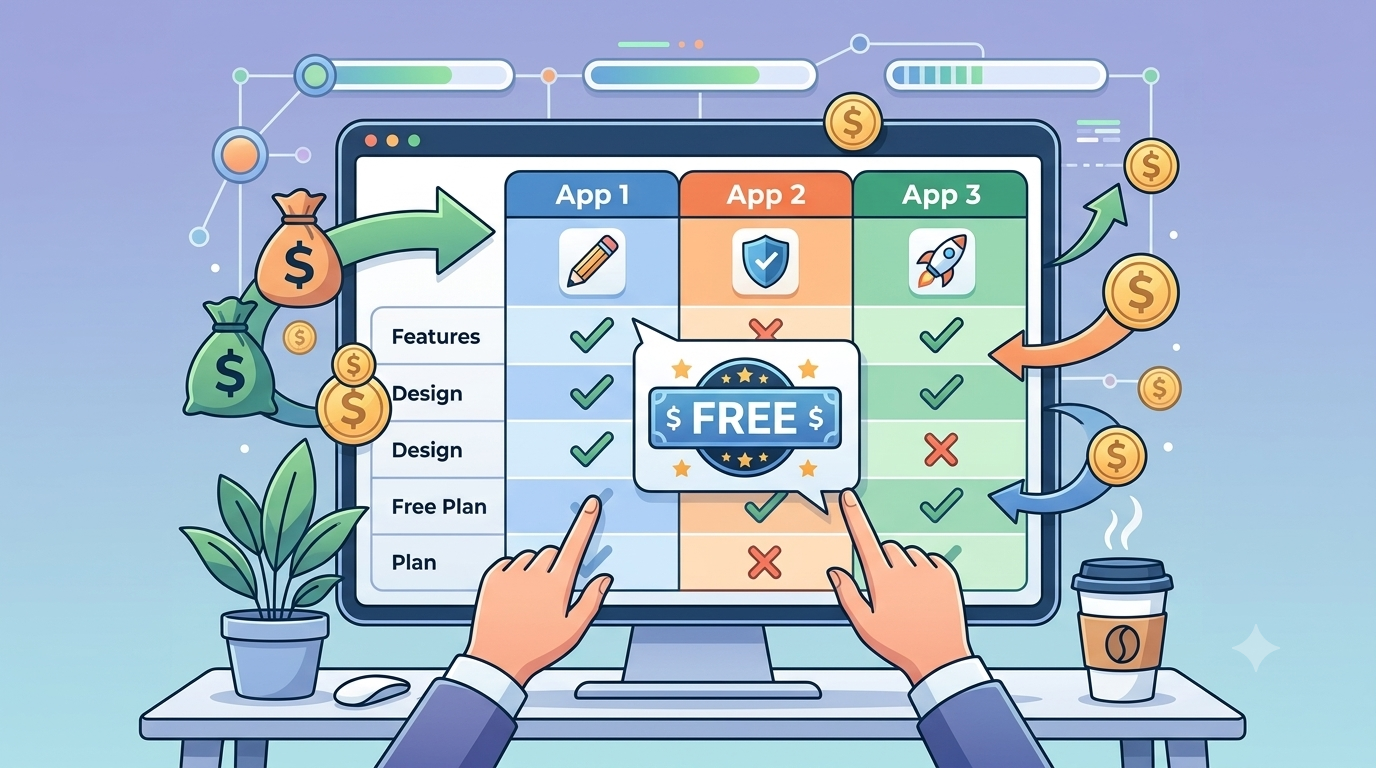
The best free invoicing tool is the one that lets you create a professional invoice, send it, and track payment — without a paywall appearing on step two.
Quick Summary Most "free" invoicing tools limit you to 2 to 5 invoices before requiring a paid plan. Read the small print. For Indian freelancers, GST support is non-negotiable — not all tools handle CGST/SGST/IGST correctly. If you also need contracts, a tool that keeps invoices and contracts in sync saves significant time. GigLedgers is 100% free with no invoice limits, GST support, multi-currency, contracts with e-signatures, and payment tracking.
"Free invoicing software" is one of the most searched phrases in freelancing. It is also one of the most misleading categories in software marketing.
Many tools advertise as free and then restrict you to 2 or 5 invoices per month before pushing you onto a paid plan. Others are free for invoicing but charge transaction fees when clients pay. Some simply lack the features freelancers actually need — GST fields, contract generation, or multi-currency support.
This guide cuts through the noise. Here is what to actually look for, and four tools worth evaluating.
The seven questions to ask any free invoicing tool
Before signing up for anything, run through this list.
- Is there an invoice limit on the free plan?
This is the most common hidden restriction. A tool that limits you to 5 invoices per month is not a free tool for anyone with more than 5 clients.
- Does it support the taxes your clients expect?
For Indian freelancers: does it handle GST with correct CGST/SGST/IGST splits? For Canadian freelancers: does it support GST/HST by province? Manually calculating tax on every invoice is how errors happen.
- Does it support the currencies you need?
If you work with international clients, you need to invoice in USD, GBP, EUR, or whatever currency was agreed. Forcing a client to do conversion math is friction you don't want.
- Can you add contracts and e-signatures?
An invoice and a contract should live in the same place. If you manage contracts separately — in email, Google Docs, or a different tool — you will inevitably send an invoice that doesn't match the agreed terms.
- Can you track payment status?
Knowing which invoices are sent, viewed, overdue, or paid is the difference between proactively following up and anxiously wondering. A tool that only creates invoices but doesn't track them is half a tool.
- Are there payment processing fees?
A platform may allow free invoice creation but charge 2 to 3% on every payment made through it. This is a legitimate business model — just make sure you know about it before you commit.
- Can you export your data if you switch?
Your client records and invoice history should be yours. Make sure the tool lets you export them.
Four tools worth evaluating
Features and free-tier entitlements change. Verify on each vendor's current pricing page before committing.
GigLedgers
GigLedgers is built specifically for freelancers — both Indian and international. It is 100% free with no invoice limits, no subscription, and no transaction fees on the software side.
What it covers: GST-compliant invoicing with automatic CGST/SGST/IGST splits, multi-currency support, sequential invoice numbering, freelance contract generation with e-signatures, contract and invoice sync, payment status tracking, and a dashboard showing all outstanding invoices. Coming soon: expense tracking.
Best for: Indian freelancers who need GST compliance, and any freelancer who wants invoicing and contracts in one place without paying for it.
Zoho Invoice
Zoho Invoice is genuinely free for invoicing and has strong multi-currency and tax support. It integrates with Zoho's broader ecosystem, which is useful if you are already using Zoho CRM or Books. The free plan covers invoicing, payment reminders, and time tracking.
Best for: Freelancers who want a more feature-rich tool and don't need contract generation.
Wave
Wave combines invoicing with small-business accounting, which makes it useful once your freelance business grows. Check regional availability — some features are only available in certain countries. The free plan covers invoicing; payment processing has per-transaction fees.
Best for: Freelancers who want to manage invoicing and bookkeeping in one place and are primarily based in North America.
Invoice Ninja
Invoice Ninja has a generous free tier and extensive customisation options. It supports a self-hosted version for developers who want full control. The interface is more complex than simpler tools, but the depth is there if you need it.
Best for: Freelancers or small agencies who want maximum customisation and don't mind a steeper setup curve.
The contract gap most freelancers ignore
Here is something the invoicing tool comparison lists rarely mention: most invoicing tools don't handle contracts.
A professional freelance workflow has two documents for every client relationship — a contract that defines the work, and invoices that bill for it. When these live in different places, things slip. Invoice terms don't match contract terms. Payment schedules get copied incorrectly. Clients claim the amount doesn't match what was agreed.
GigLedgers is designed around this connection. When you create a contract and an invoice for the same project, they sync automatically. The invoice references the contract. There is nothing to manually reconcile.
Free invoicing vs free payment processing: an important distinction
This distinction matters a lot and is easy to miss.
Free invoicing means the software doesn't charge you to create and send invoices. Almost all of the tools above offer this.
Free payment processing means no fees when clients pay through the platform. This is rare. Most tools charge 1 to 3% on card payments.
If your clients pay by bank transfer or UPI, payment processing fees may not apply to you. If your clients pay by card, factor processing fees into your comparison.
Frequently Asked Questions
Is a spreadsheet enough for freelance invoicing?
For a very small number of invoices, yes. As volume grows, the manual work of numbering invoices, calculating tax, tracking payments, and sending reminders becomes error-prone and time-consuming. A dedicated tool pays for itself in time saved quickly.
Do I need accounting software to send invoices?
No. Invoicing and accounting overlap but are distinct. Most freelancers don't need full accounting software until their business grows significantly. Start with invoicing and add accounting features when the complexity warrants it.
What if I work with both Indian and international clients?
You need a tool that supports multi-currency and handles GST for Indian clients correctly while also being able to generate non-GST invoices for international clients. GigLedgers handles both in the same platform.
Can I switch tools later without losing my data?
Make sure any tool you use allows CSV or PDF export of your invoice history. Most reputable tools do. Check before committing, not after.
Try the one built for freelancers
GigLedgers is free, requires no subscription, and covers the full freelance workflow — from contract to invoice to payment tracking. No invoice limits, no trial periods, no hidden fees.
👉 Create your first free invoice on GigLedgers
📚 Related: How to write a freelance invoice that gets you paid faster | Browse all freelance guides
GigLedgers publishes this article and is one of the products mentioned. This is a feature-oriented guide, not an independently audited ranking.